ClipOnItOne idea. Your next story.Original sound · ClipOnIt
Real ClipOnIt creation · illustrative overlay
Make it yours.
ONE HOME FOR YOUR CONTENT
PodcastsExplainersInterviewsEducationBrand videos
A SIMPLE WORKFLOW
From your content
to your next post.
A clear path forward. Creative freedom at every step.
1
Start with your content
Paste an authorized TikTok link, or choose a clip or explainer already created in ClipOnIt.
♪
tiktok.com/@toi/video/…
I have permission to reuse this video
2
Make your own version
Rework the edit, framing and captions. Or create a new story in Explainer.
Your storyYour voiceYour captions
3
Review the result
Watch the full video. Turn on the TikTok preview to see how it fits in the feed.
TikTok preview
4
Choose how to publish
Prepare a direct post or a draft to finish in TikTok. Then follow its delivery status.
Direct post
or
TikTok draft
YOUR OWN CREATIVE SIGNATURE
One subject.
Your own world.
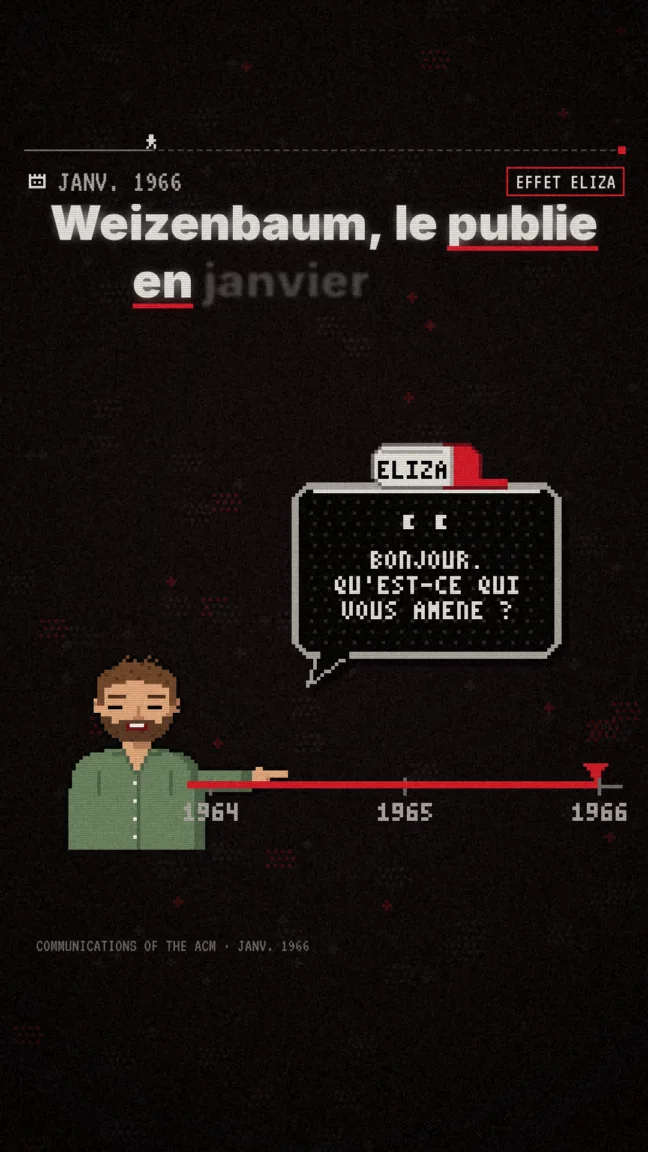
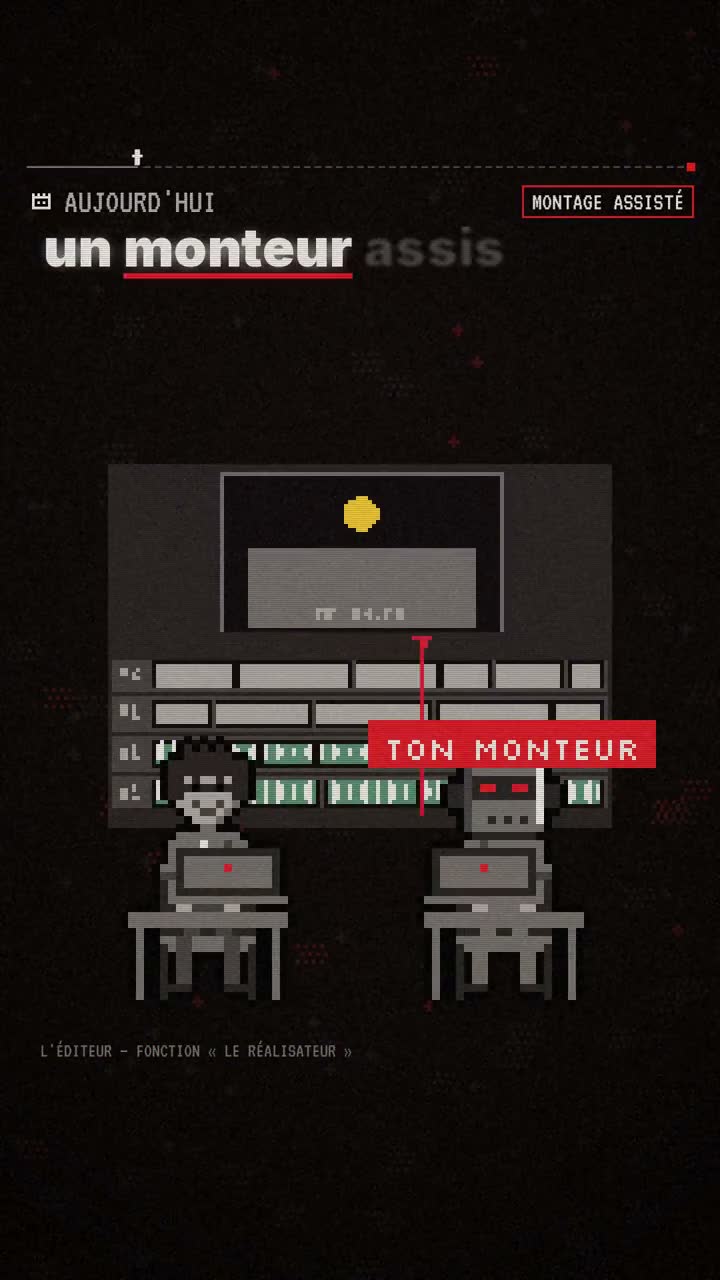
When you start from an idea, Explainer builds a new story with our own visual worlds: Pixel News in 2D and Archibald in 3D. Every scene stays editable.
♪Your videos and their resultsPublic data provided by TikTok
—Views
—Likes
—Comments
—Shares
Your numbers appear after connection, for public videos accessible with your permission.
ONE ACCOUNT. ALL YOUR TOOLS.
Create at your own pace.
ClipOnIt plans bring your creation tools together. Explore what each plan includes.
Clear pricing, no commitment
No credits, no expiry on paid plans. Free without a card.
Free
USD0
Free, no card needed
2 long videos included
Unlimited clips per video
The best moments, scored out of 100
Import from a YouTube link
Auto-reframe: the frame follows the face
Word-by-word captions, 5 styles
Silence removal, auto-zoom, emojis, description
Videos up to 3 GB
Videos kept for 7 days
Editable captions
Captions translated into 6 languages
Pexels B-roll and music
Your logo on your clips
Watermark-free exports
Starter
USD29
Billed monthly
20 long videos per month
Unlimited clips per video
The best moments, scored out of 100
Import from a YouTube link
Auto-reframe: the frame follows the face
Word-by-word captions, 5 styles
Silence removal, auto-zoom, emojis, description
Videos up to 8 GB
Nothing expires while your subscription is active
Editable captions
Captions translated into 6 languages
Pexels B-roll and music
Your logo on your clips
Watermark-free exports
API and MCP for Claude / ChatGPT
Most popular
Pro
USD49
Billed monthly
60 long videos per month
Unlimited clips per video
The best moments, scored out of 100
Import from a YouTube link
Auto-reframe: the frame follows the face
Word-by-word captions, 5 styles
Silence removal, auto-zoom, emojis, description
Videos up to 20 GB
Nothing expires while your subscription is active
Editable captions
Captions translated into 6 languages
Pexels B-roll and music
Your logo on your clips
Watermark-free exports
Premiere Pro export (XML)
API and MCP for Claude / ChatGPT
Early access
Business
USD149249
Billed monthly
200 long videos per month
Unlimited clips per video
The best moments, scored out of 100
Import from a YouTube link
Auto-reframe: the frame follows the face
Word-by-word captions, 5 styles
Silence removal, auto-zoom, emojis, description
Videos up to 20 GB
Nothing expires while your subscription is active
Editable captions
Captions translated into 6 languages
Pexels B-roll and music
Your logo on your clips
Watermark-free exports
Premiere Pro export (XML)
API and MCP for Claude / ChatGPT
3 seats for your team
Priority support replies
Prices in USD · Cancel in one click, anytime, no commitment.
STRAIGHTFORWARD ANSWERS
Before your next TikTok.
Do I need to connect my TikTok account?
Yes, to send a video or access authorized metrics. Connect TikTok from your ClipOnIt account and grant access on TikTok’s official site. ClipOnIt never asks for your TikTok password.
Can I reuse any video?
Only import your own videos or videos you have permission to reuse. Connecting TikTok does not grant rights to other creators’ content. Some links may also be unavailable for import.
Will my video be published automatically?
You review and confirm each video and its settings before sending. You can schedule that specific delivery for later. Draft mode sends the video to your TikTok inbox: you still need to finish and publish it in the app.
Why is direct posting unavailable?
The integration is in early access. Direct posting is subject to TikTok approval, app permissions and your account restrictions. The TikTok workspace shows the functions actually available; test accounts may be restricted to private posts.
Which results can I track?
Views, likes, comments and shares for public videos accessible through your TikTok authorization. Watch time, completion rates and revenue are not supplied by this integration. Private videos may not have a public link or public metrics.
Can I publish from Explainer or Smart Clipper?
Yes. Once rendering is complete, Post to TikTok opens delivery preparation with your video selected. TikTok Remix brings together the same account, TikTok preview, settings and delivery history.

 Pixel News
 Archibald
 TikTok preview