
LiveEarly access
Your video podcast, directed while you talk
A studio in your browser. Guests join from a link, the camera cuts to whoever speaks, and everyone records in full quality on their own device.
On request · Pro: 4 h/month, 2 guests · Business: 20 h/month, 3 guests
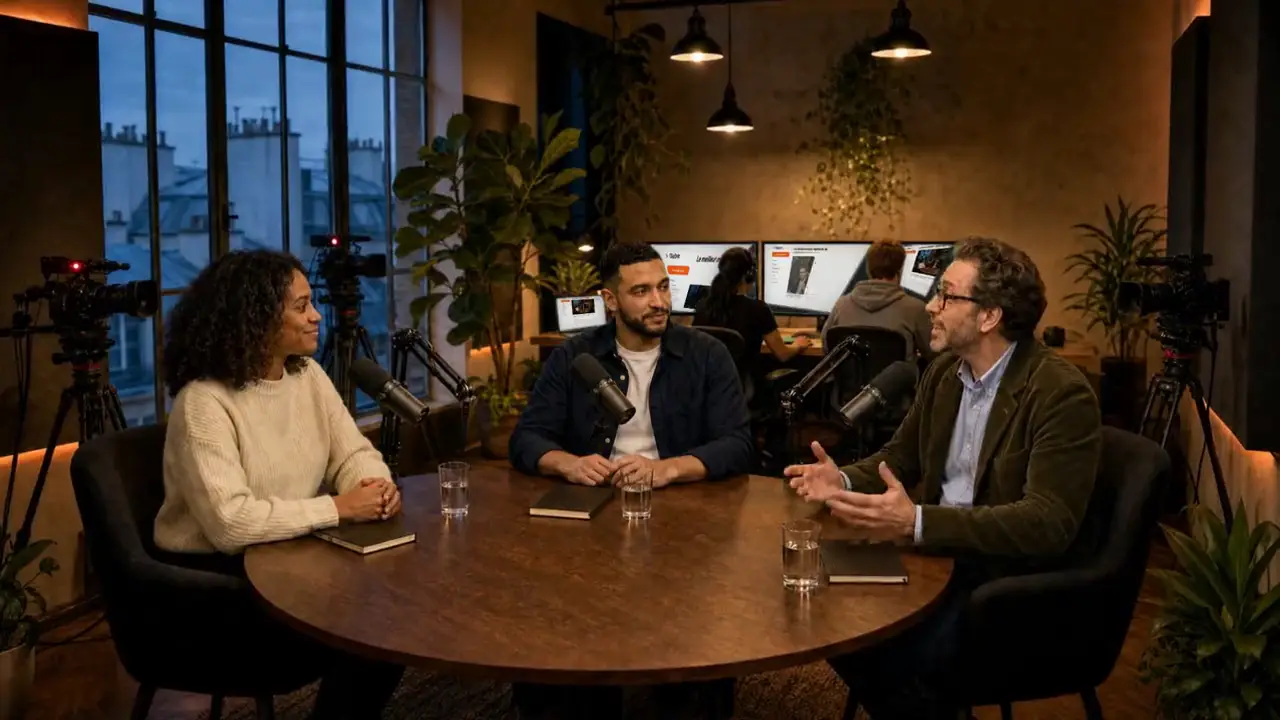 Wide shot
 AwaHost
 KarimCo-host
 BernardGuest
Demo · fictional episode, AI-generated characters. Click “Mark this moment”.
One link is all your guests need
They open it in their browser, check camera and mic, enter their first name and accept the recording. No account, no app.
Every voice recorded at the source
The live view goes over the network, the recording does not. Everyone keeps their camera and mic in full quality on their device and uploads them in chunks during the session. If a connection weakens, only the live view drops.
A full control room, in one tab
OBS and pro cameras
A RTMP, SRT or WHIP URL and key: a studio camera becomes a participant, or your OBS program goes through as is.
Live captions
Drawn into the program while you talk, in French, English and other languages.
Layouts and screen share
Automatic, side by side or a pinned shot; screen share next to whoever is speaking.
16:9 or 9:16
The program is composed horizontally for YouTube or vertically for short formats.
One episode, from link to control room
Create the live, invite, record, mark the moments, then send the episode to Smart Clipper: the flow in the app.
Before your first live
Access, guests, network, live time and what comes next.
Is Live open to everyone?
Not yet. Live is in early access, on request, for the Pro and Business plans. Write to us with the date of your next episode and we will open your account.
Do my guests need an account?
No. They open your link in Chrome, Edge or Safari, check camera and mic, enter their first name and accept the recording. Nothing to install.
What if a guest’s connection drops?
The live view may drop in quality, the recording does not: everyone records their camera and mic on their own device and uploads it in chunks during the session.
How much live time per month?
4 hours a month on Pro, with 2 guests per live; 20 hours on Business, up to 3 guests. No Live on Free or Starter. One session at a time per account; the episode sent to Smart Clipper counts toward the plan’s video hours.
Can I plug in OBS or a pro camera?
Yes. The control room gives you a stream URL and key (RTMP, SRT or WHIP): a studio camera becomes a participant, or your already-directed OBS program goes through as is.
What happens after the live?
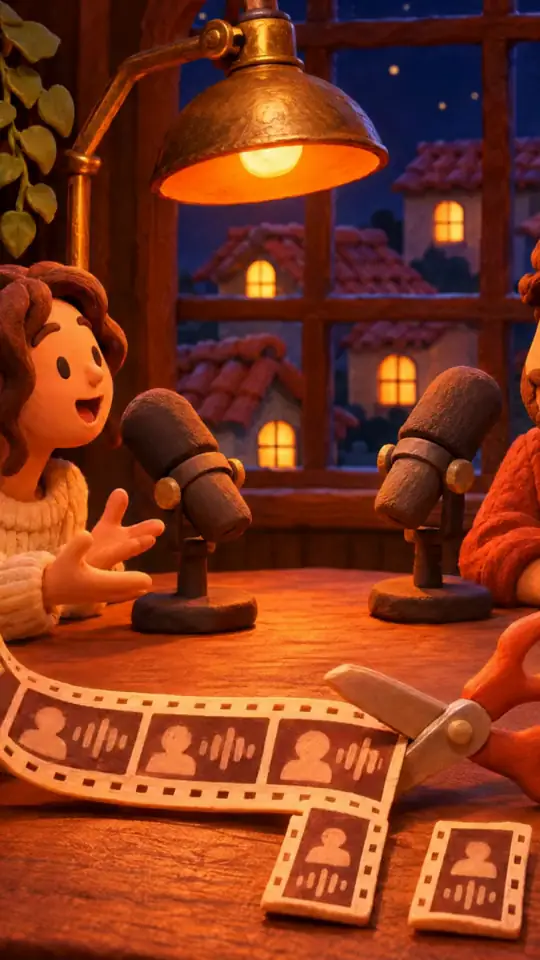
During the live, you mark the moments; at the end, one click sends the episode to Smart Clipper, which turns it into clips starting with your markers. You can also download the episode and each participant’s track. The analysis runs after the live, not during it, and counts toward your video hours like an import.
Can I stream to YouTube or Twitch?
Not for now. Live records and directs your podcast; streaming to other platforms is not part of this version.
Your next episode, directed live
Send us the date of your next recording. We open Live on your account and you invite your guests by link.