Family history explainer video maker — Sepia archives style
Make a history video that looks like family archives: sepia photos pinned on the word, civil records, a growing family tree and clean pill captions.
Included from Starter, with all 26 styles plus your own · preview rendered by the ClipOnIt engine
What this style looks like
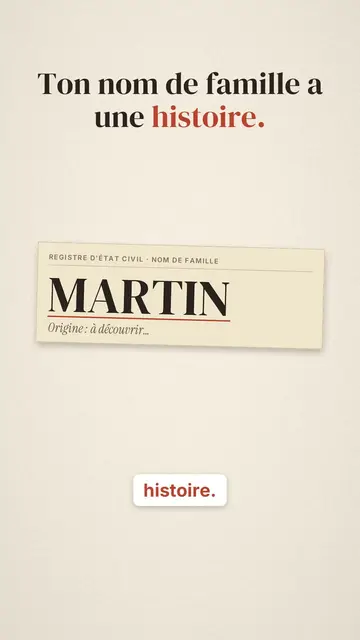
Sepia archives tells a story the way you open a box of keepsakes. On cream paper with slightly browned edges, polaroid-style photos are pinned one by one, each held by a strip of tape, with a handwritten first name and a year. The portraits are drawn by the engine: stylised generic faces, in sepia for the oldest ones and in faded colour for the recent ones. Each photo drops in on the word that names it.
A civil record card types itself letter by letter, then a red line underlines the name. The family tree builds generation by generation, from you to your ancestors, and the camera pulls back with each new row; small marriage or birth records get clipped next to the photos. The key number sits in a dark green banner, the title is set in serif, and captions appear word by word in a white pill with the key word in red.
Topics it suits
Avoid: very current or technical topics carried by screens, diagrams or series of numbers: the style shows people, dates and documents. Also avoid topics without a person; a photo should always have a name.
- Genealogy and surnamesWhere a name comes from, an old trade, an ancestor tracked down: the record card and the tree show at once what it is about.
- Biographies and historyA life told in a few dated photos, a register, a number: the format keeps the warmth of an album without showing real archives.
- Family and immigration storiesArrivals, departures, marriages and generations read naturally in a tree that keeps growing.
- Ads for heritage servicesArchives, genealogy, keepsakes, announcements: the end card with its green button makes a clear call, in a warm tone.
Video ideas in this style
- Where does your surname come from?
The typed record card, the “No. 1 in France” banner, the original saint in a photo, then the tree climbing back.
- Ellis Island, the island of 12 million
The first registered passenger, her two brothers, the ship's manifest and today's descendants.
- Your surname was a job
The smith, the tailor, the miller in polaroids, then the name passed from father to son.
- An inventor's life in 40 seconds
Her birth, her patent on a record card, the key date in the green banner and what remains of it today.
Get it in 1 click
- Open this style's link
The “Create a video in this style” button opens the editor with this style already picked. Without an account, signing up takes a minute and needs no card.
- Write your topic in one sentence
One idea is enough. You can also paste your text or, from Starter, narrate into the mic: the video then builds on your voice.
- Review, then render
AI writes the scenes, picks the style's elements and times them to the words, with voice and captions. You fix what is off, then the vertical MP4 arrives in a few minutes.
What you can adjust
For each scene you pick up to four photos (first name, year, woman or man, age, colour or sepia, or a library object), a civil record card, a tree of one to five generations with its records, a number banner or a “?” medallion, and the word where each one appears. You can show your brand name on the end card and change the accent colour. Your own voice works too: everything locks onto the spoken words.
Drawn in this style
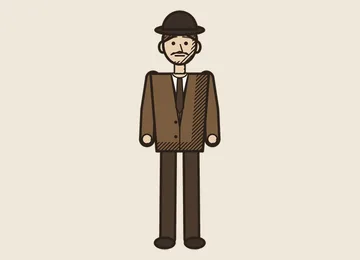
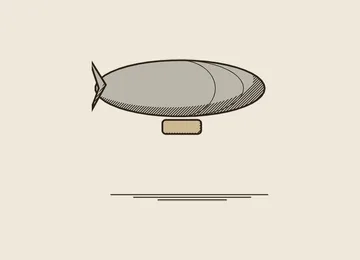
2 299 elements in its library, searchable by meaning. A few of them:
 Personnages
 Appareils
 Documents & lieux
 Données
 Décors
 Science
 Actions
 Objets
Frequently asked questions
Free or not, output, uses: the short answers.
Are the portraits real photos?
No. They are stylised generic faces, drawn by the engine from the first name, the year and the age. No archive photo and no real face is used.
Can I use my own voice?
Yes. Record yourself or import your audio: every photo, every row of the tree and every caption word locks onto what you say.
Are dates and facts checked?
AI writes from your topic, but check every date, name and number before rendering. The safest way is to paste your own text with your sources.
Is this style in the free plan?
No, it comes with Starter ($29/month): 15 watermark-free videos a month, all 26 styles plus your own. The free plan gives 3 videos a month with a watermark in 8 other styles: Pixel News, Press paper, Comedy cartoon, Class sketch, Night tale, Social screen, Retro synthwave and Flat vector.
If you like this style
- Free
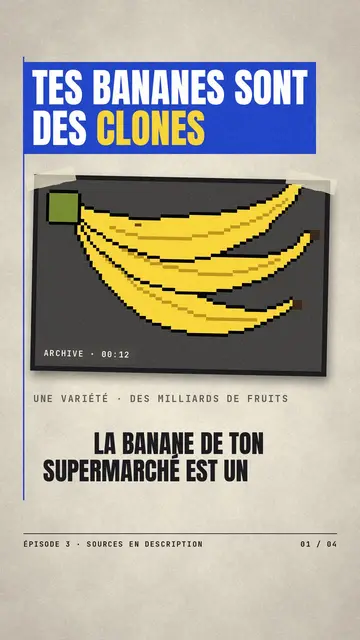
Paper cutout news video
Press paper style · Cream editorial paper, blue and red banners, stamp.
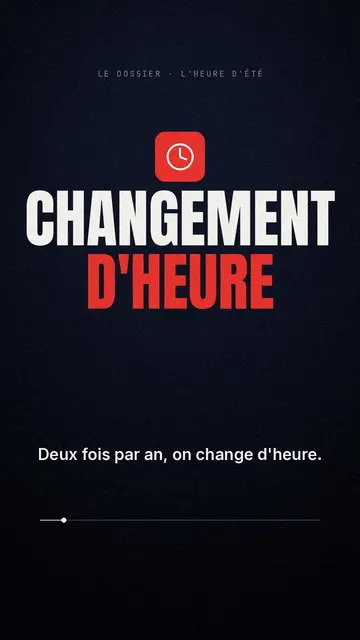
Documentary style explainer video
Red documentary style · Midnight blue, red pictogram, huge condensed headline.
- Free
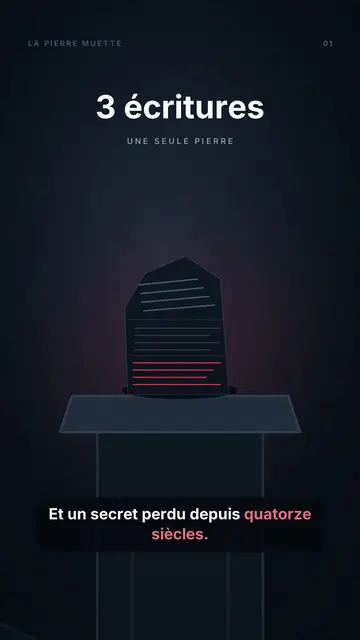
Animated fable video maker
Night tale style · A tale played at night: pale-eyed puppets, one red object, a rising counter, a moral and a closing question.
Your idea, in this style
Write a sentence or say it: the style is already picked when you reach the editor.