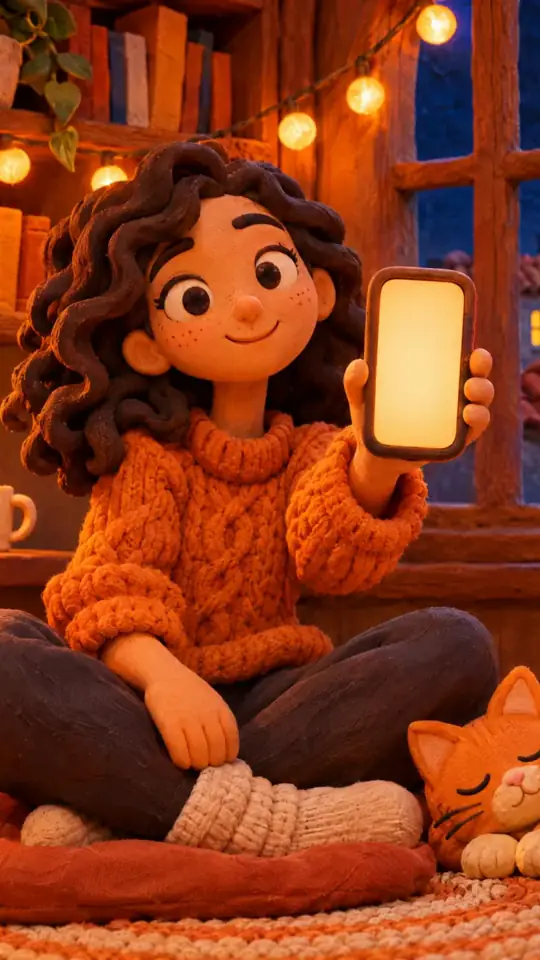
Glassmorphism tech video — Lavender frosted glass style
Make an elegant tech video in frosted glass: UI cards rising as they come into focus, app icons in a grid and a serif title on a lavender gradient.
Included from Starter, with all 81 styles plus your own · preview rendered by the ClipOnIt engine
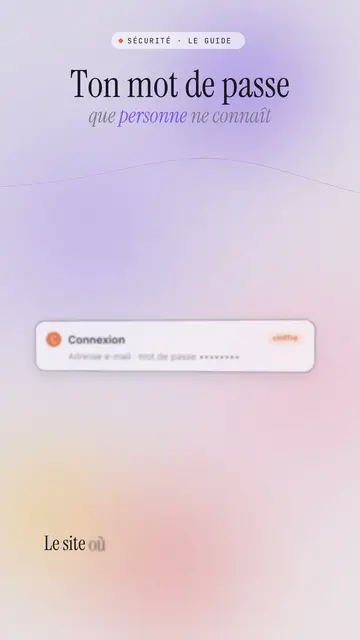
What this style looks like
Lavender frosted glass sets your video on a blurred lavender and powder pink gradient, crossed by slowly moving coloured halos. White frosted glass UI cards rise from the bottom and come into focus, then stack up with a soft shadow: a login screen, a notification, a record card. Large app icons line up in a grid, and a smartphone or a 3D cloud can appear in the centre on the spoken word.
The title is an elegant serif, with a grey italic serif subtitle where some words are coloured, and a small spaced-out mono label in capitals above (“SECURITY · THE GUIDE”). A dark terminal can type its lines, a number can roll, and the screen sometimes switches to a black background with the same halos to mark a strong moment. The end shows a “Comment” bar with the word to write.
Topics it suits
Avoid: raw, violent or very energetic topics: the style is soft and composed. Also avoid topics unrelated to digital life; the UI cards and icons need a screen to evoke.
- Security and passwordsThe calm, elegant tone reassures on a topic that often scares people.
- Apps and featuresThe icon grid and the smartphone show a use case without a branded screenshot.
- Cloud and AIThe 3D cloud and the stacking cards make visible what happens behind the scenes.
- Premium brands and tech lifestyleFrosted glass and the serif give a polished look, close to a keynote.
Video ideas in this style
- The website doesn't know your password
The login card coming into focus, the hashing terminal and the subtitle “that nobody knows”.
- 5 apps that replace your planner
The icon grid, the smartphone in the centre and the stacked notification cards.
- Where your photos go when you back them up
The 3D cloud, the rising cards and the switch to a black background.
- Two-factor authentication in 30 seconds
The six-digit code card, the phone and the number of protected accounts.
Get it in 1 click
- Open this style's link
The “Create a video in this style” button opens the editor with this style already picked. Without an account, signing up takes a minute and needs no card.
- Write your topic in one sentence
One idea is enough. You can also paste your text or, from Starter, narrate into the mic: the video then builds on your voice.
- Review, then render
AI writes the scenes, picks the style's elements and times them to the words, with voice and captions. You fix what is off, then the vertical MP4 arrives in a few minutes.
What you can adjust
For each scene you pick the top label, the serif title and its italic subtitle with coloured words, the central visual that appears on the word (cards, icons, cloud, phone, terminal, number or comment) and the background, light by default or black for a strong moment.
Frequently asked questions
Free or not, output, uses: the short answers.
Are the app icons real brands?
No. The icons are drawn by the engine, with no brand logo. An app's name can appear as text on a card if you write it.
Can I use my own voice?
Yes. Record yourself or import your audio: cards rise and come into focus on your words.
How is it different from Night interface?
Night interface stays dark, on midnight blue, with big numbers and sources. Lavender frosted glass is light and soft, on a pastel gradient, with glass cards coming into focus.
Is this style in the free plan?
No, it comes with Starter ($29/month): 15 watermark-free videos a month, all 81 styles plus your own. The free plan gives 3 videos a month with a watermark in 8 other styles: Pixel News, Press paper, Comedy cartoon, Class sketch, Night tale, Social screen, Retro synthwave and Flat vector.
If you like this style
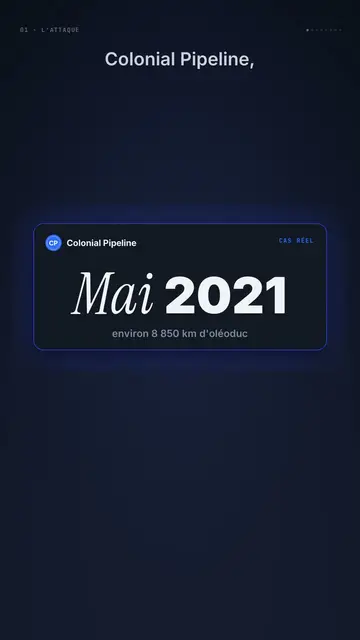
Dark UI tech explainer video
Night interface style · Dark glass cards on midnight blue, narration coming out of blur, blue, cream and black switches.
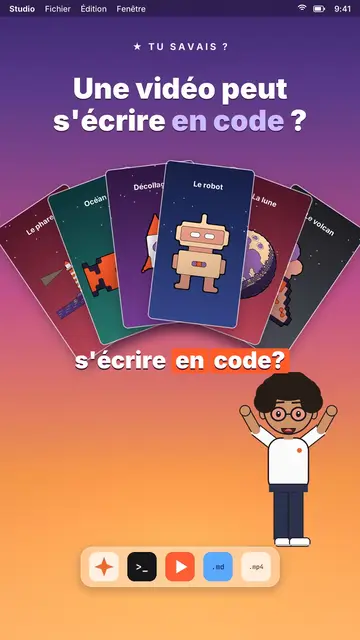
AI coding tutorial video
Twilight desktop style · A fake computer desktop on a violet-pink sunset: windows swinging in 3D, a walking avatar.

UI motion design explainer video
Clean interface style · The story played out in clean interface cards: windows, buttons, a cursor clicking on the word, key word in serif.
Your idea, in this style
Write a sentence or say it: the style is already picked when you reach the editor.